Why people switch business phone apps
Five complaints that keep coming up in public reviews, help pages and support forums, and what Knoqra does about each one.
You pay for seats before you make a call.
Most business phone apps price per seat, and the price on the page is often the yearly one. Aircall sells from 3 seats and charges per seat again for WhatsApp; Ringover starts at 3 seats on a 12-month term. In public reviews, people describe upgrade quotes with AI licences they never asked for.
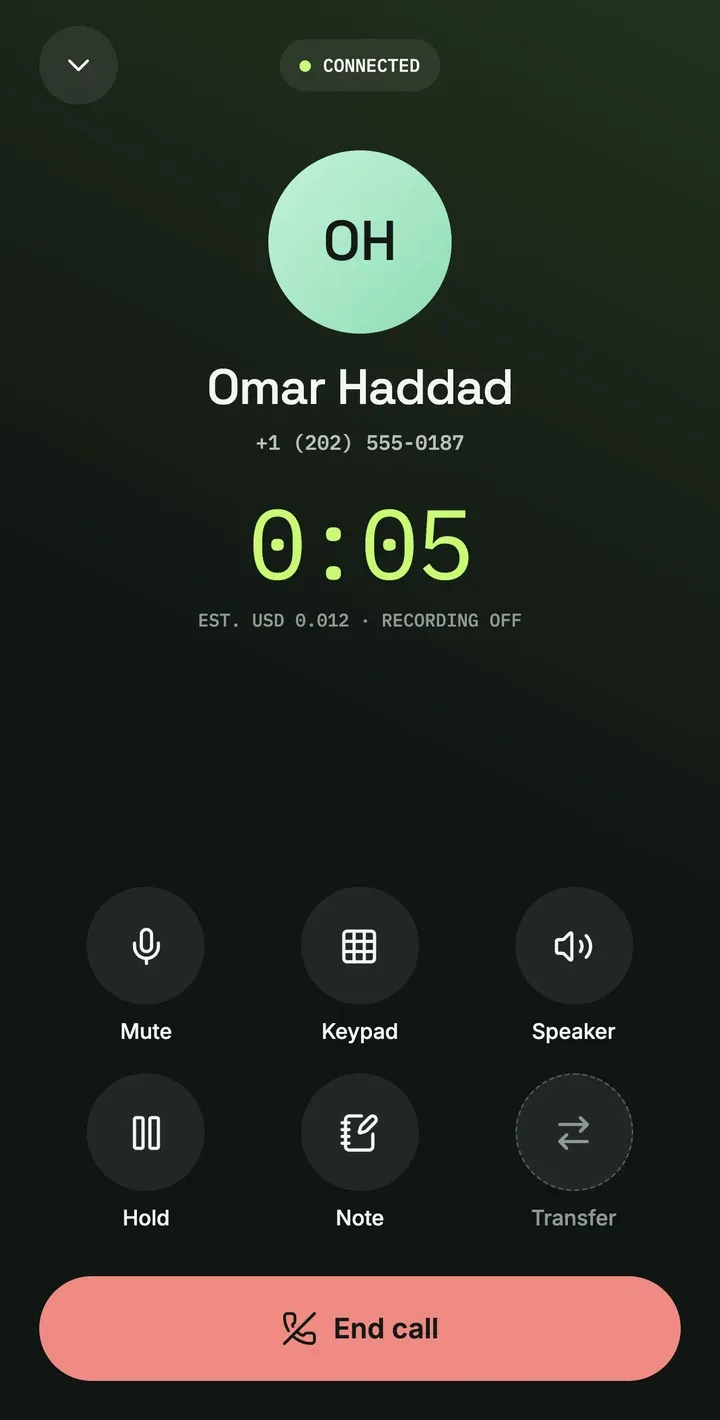
Knoqra starts at one seat. On pay as you go there is no plan fee: you top up from $5 and pay for each number, minute and message. Make 300 minutes of US calls in a month and you pay $3 for the number plus $6 for the minutes, $9 before tax (launch prices, which can still change). You see each call’s estimated cost before it connects.
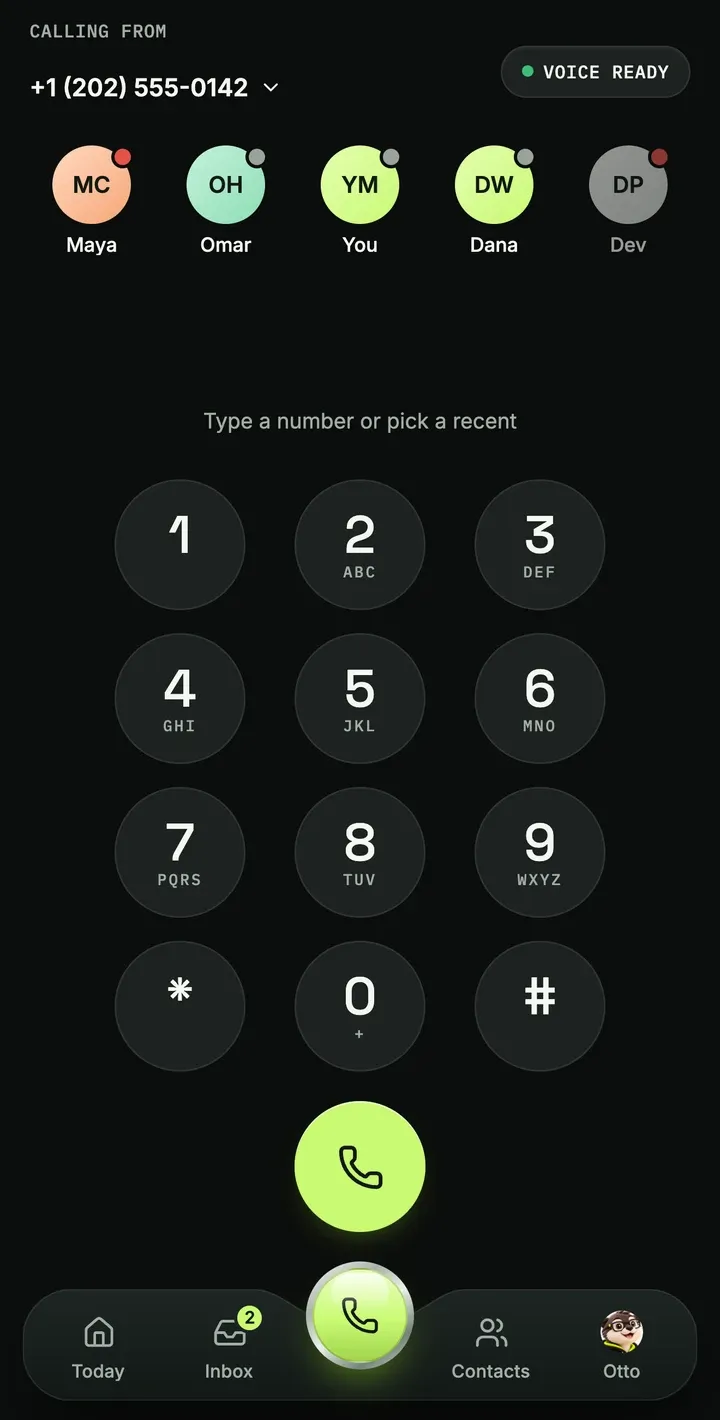
A US number is hard to get from outside the US.
Google Voice’s personal plans are US only, and TextNow and Grasshopper won’t sell to you from India either. Borrow a friend’s US address and your business number sits on an account you could lose.
Verify yourself or your business once, then pick a US or Canada number in the Desk. Each request is reviewed by a person, so it isn’t instant. In India you can pay in rupees. From that number you can call 220 countries, each priced on the call rates page, and the app calls from it like any other phone.
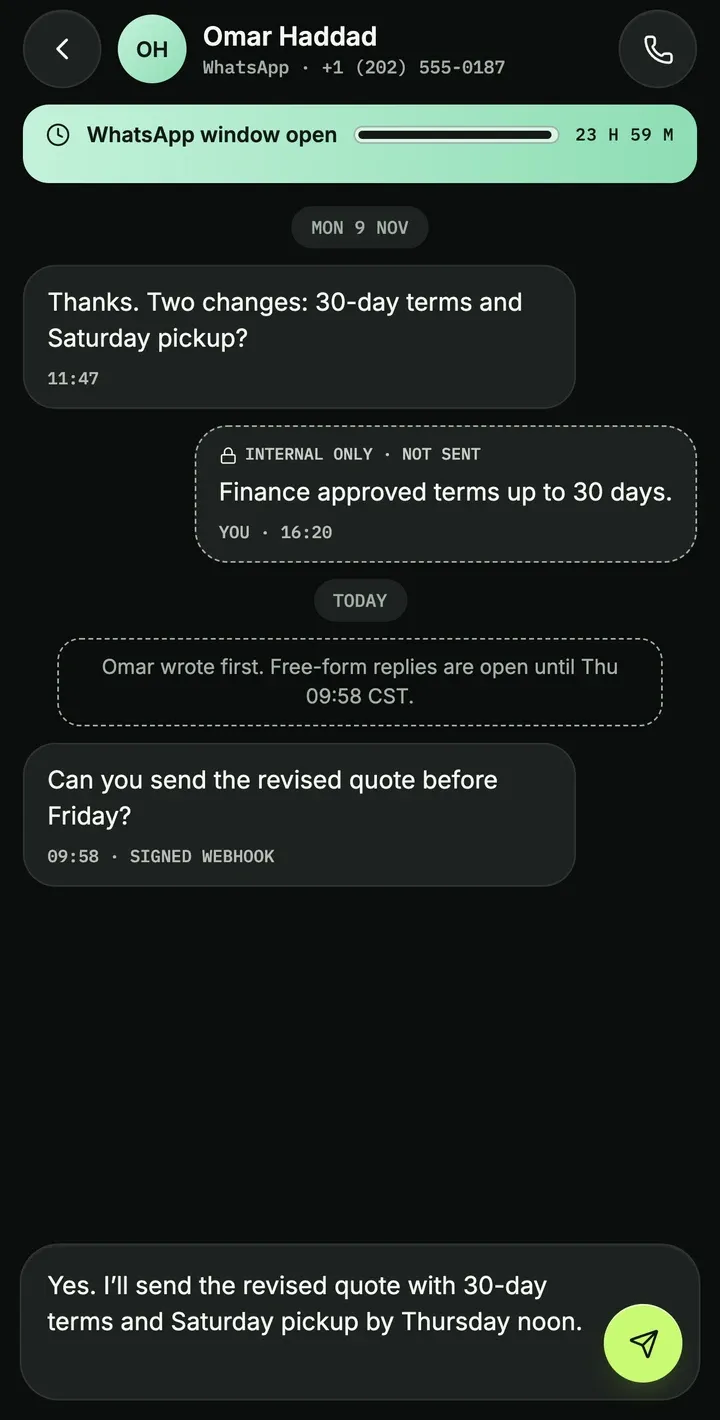
Customers message on WhatsApp. Your phone app doesn’t.
Quo doesn’t offer WhatsApp. Aircall sells it as a per-seat add-on, and Dialpad only with a contact-center license. So WhatsApp lives on a second phone, away from the calls and texts it belongs with.
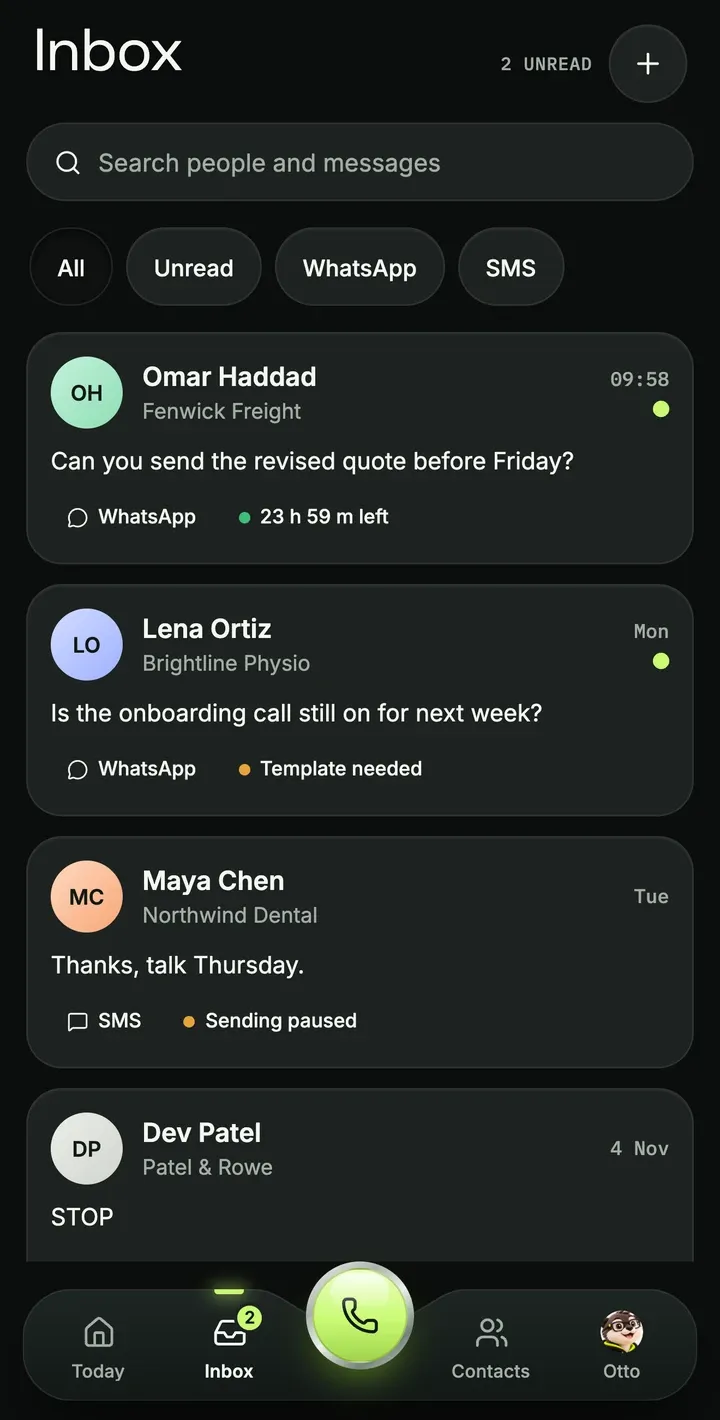
In Knoqra, SMS and WhatsApp sit in one inbox, one row per person, beside their calls. WhatsApp’s 24-hour window shows before you type, and once it closes you send an approved template. WhatsApp is on Pro ($39 a month) and Max, and Meta charges its own fee per message plus 0.4¢ from us on Pro.
Calls show up as Spam Likely, and texts go missing.
Carriers label calls from numbers they don’t trust, a number can carry a bad reputation from its last owner, and texts from unregistered US business numbers get filtered. Even the apps’ own help pages say a label can take weeks to clear.
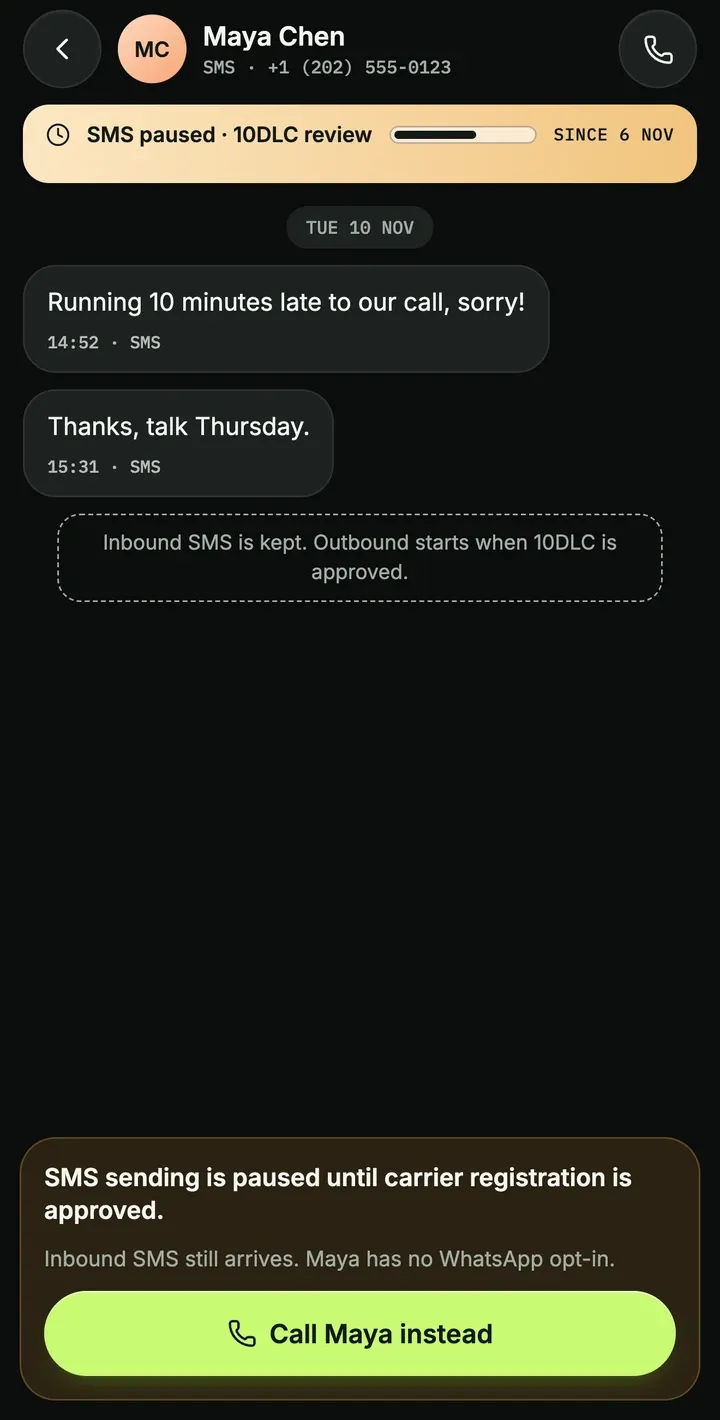
Knoqra sells numbers only to people and businesses who pass an identity check, and registers your US texting with 10DLC, passed through at $25 once + $3 a month. Until that is approved, outbound SMS stays paused and the app tells you so, as on this screen. Consent and do-not-contact status are checked before every call and message. No provider can promise you’ll never get a spam label, because carriers decide that. These are the parts we control.
The good price comes with a yearly contract.
The seat price you see first is usually the yearly one, and month to month costs more. Ringover’s plans run on a 12-month term. Reviews and support forums tell the rest: plans that renewed before the customer could cancel, and early termination fees for the months left.
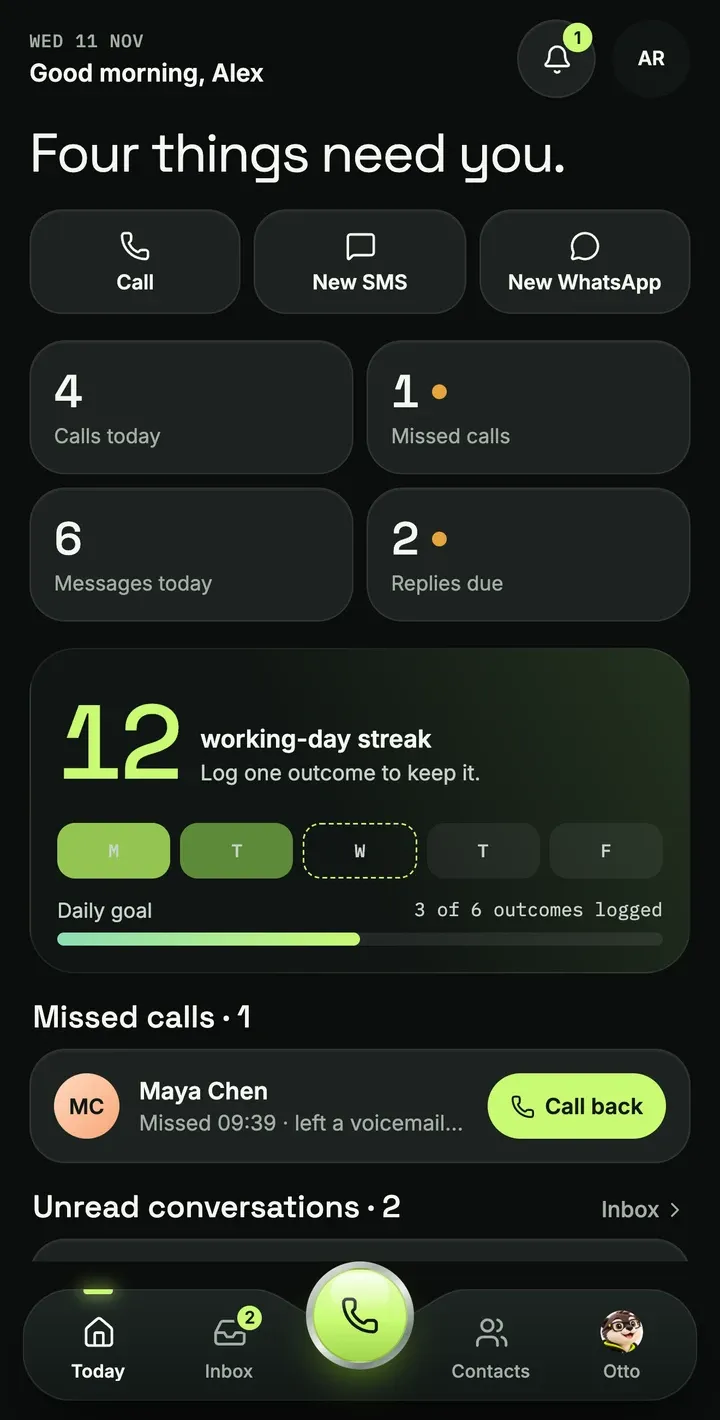
Knoqra has no contract and no notice period. You cancel in Settings, Billing, with one click, and your plan runs to the end of the period you paid for. You set up on the web; open the app and your day is already waiting: missed calls, unread conversations and replies due.
What else the Knoqra app does
The same workspace you use in the browser, on your phone.
One number, two screens
The app and the browser share your numbers and your inbox. Start a thread at your desk and finish it on the train.
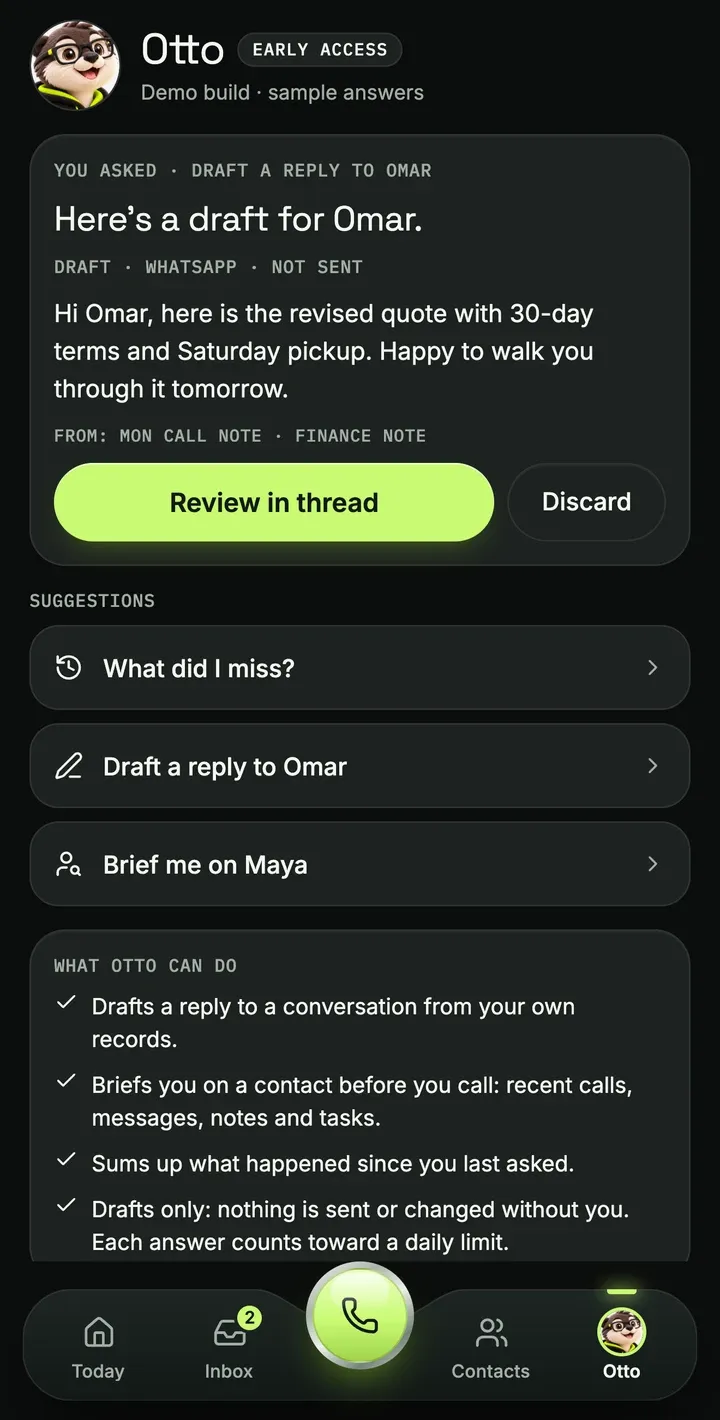
Otto, in early access
Otto, the assistant, drafts replies and sums up a conversation for you to check. He never sends anything without you.
Meet OttoContacts that come with you
Edit a contact on the go, or save a new number straight from a call, and it is there on the web too.
Push notifications
A notification for each new message and missed call. Tap it and the conversation opens.
What you need
- iPhone
- iOS 16.4 or later
- Android phone
- Android 7.0 or later
- Account
- A Knoqra Cloud workspace. You create it on the web, then sign in on your phone.
- Number
- A US or Canada number, picked in the Desk on the web once your verification is approved.
No emergency calls. Knoqra can’t call 911, 112 or any other emergency number. Keep a mobile or landline phone for those.
New to Knoqra? Set up your workspace and number in the browser first. It takes a few steps, and the app picks them up when you sign in.
Create your accountQuestions about the app
Short answers. If yours is not here, write to hello@knoqra.app.
01Is the Knoqra app free?
Yes, it is free on the App Store and Google Play. Numbers, calls and messages are paid from your Knoqra balance or plan, the same as on the web. See pricing.
02Do I need an account before I install it?
Yes. The app signs in to a Knoqra Cloud workspace, and you create that on the web. Workspaces and phone numbers are set up in the Desk at app.knoqra.app; the app then uses the same numbers and the same inbox. Create your account.
03Do calls and texts from the app use the same number as the web?
Yes. The app calls and texts from your workspace’s numbers, so the people you reach see the same number either way, and each conversation shows up on your phone and in the browser.
04Does the app work with a self-hosted Knoqra?
No. The app signs in to Knoqra Cloud only. The open-source edition you host yourself runs in the browser.
05Can I call 911 or other emergency numbers from the app?
No. Knoqra does not support emergency calls. To reach emergency services, use a mobile or landline phone: dial 911 in the US or 112 in India.
Apple, the Apple logo and iPhone are trademarks of Apple Inc., registered in the U.S. and other countries. App Store is a service mark of Apple Inc., registered in the U.S. and other countries. IOS is a trademark or registered trademark of Cisco in the U.S. and other countries and is used under license. Android, Google Play and the Google Play logo are trademarks of Google LLC.
No account yet?
Create your workspace on the web and pick a number. Then sign in on your phone and everything is there.